Your menu, digital. Photo in, menu out.
Photograph your menu, check the preview, confirm. Everything is set up in about 30 minutes – including tables and QR code design.
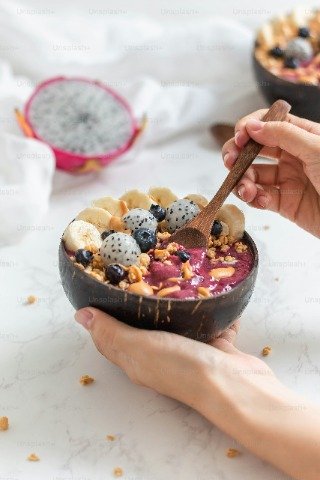
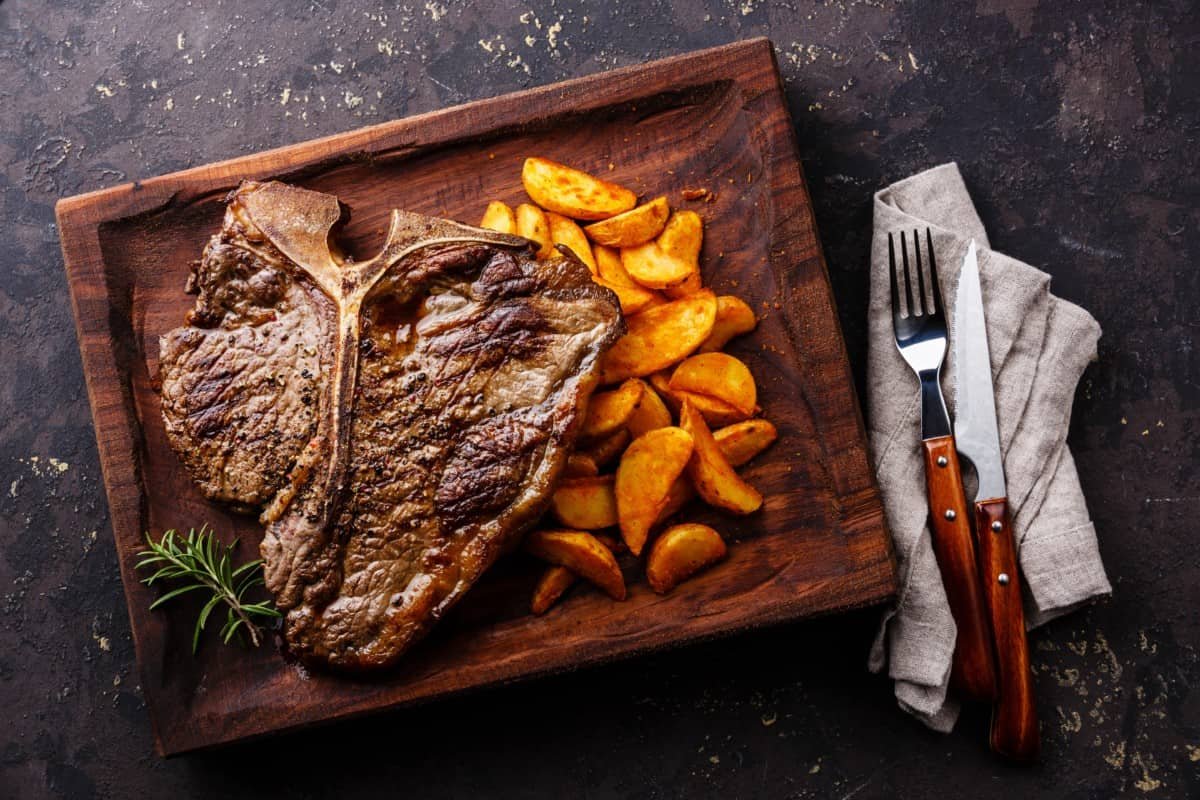
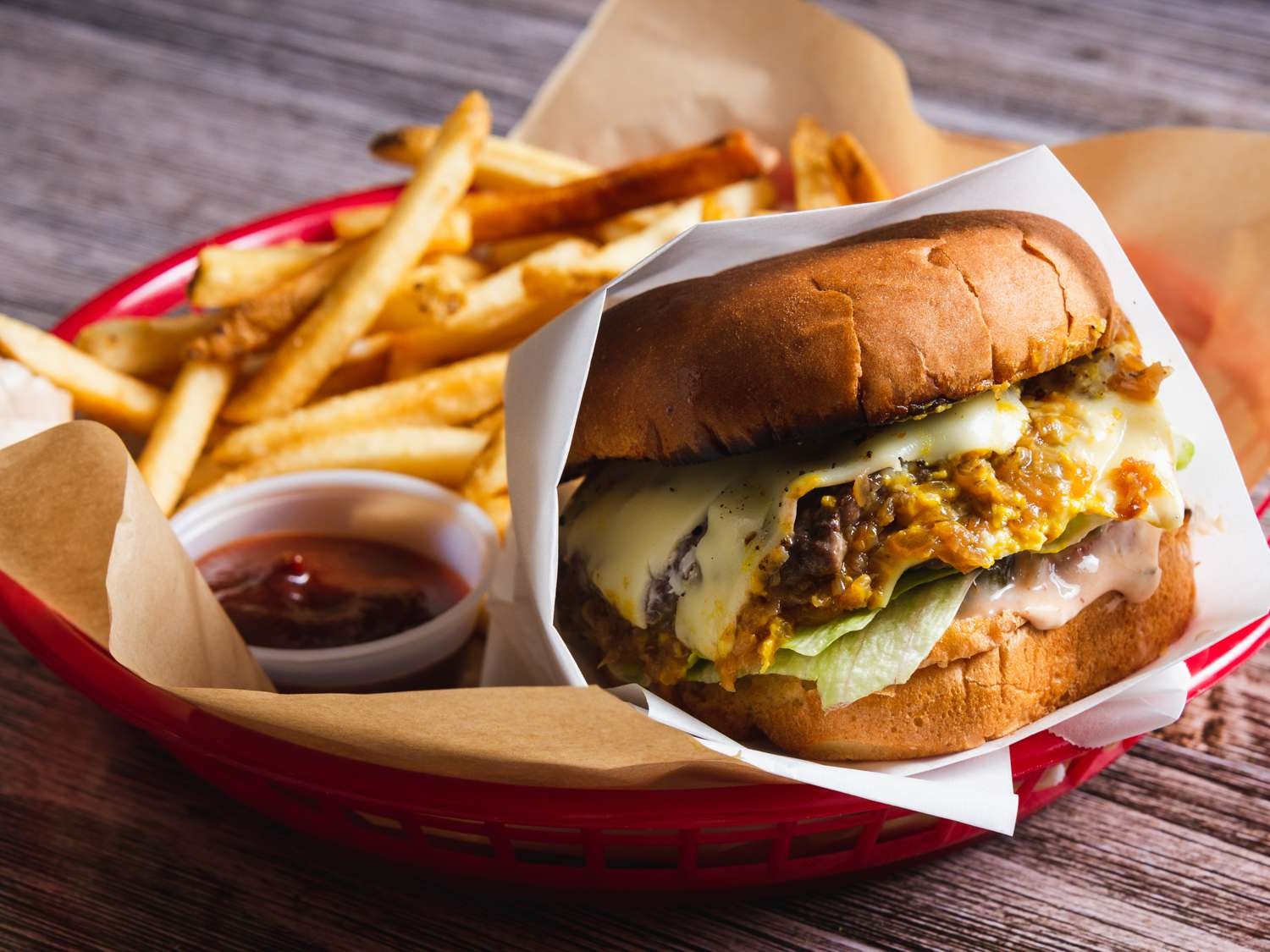
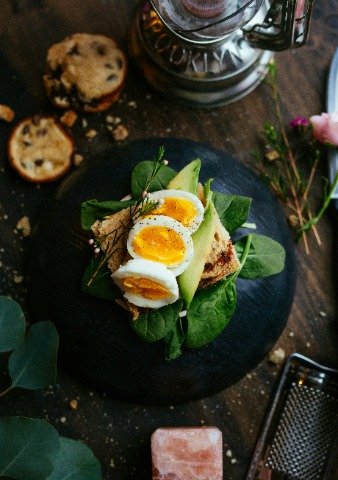
From printed card to live menu
The same menu, before and after. Drag the slider to see what your guests get instead of a laminated card.
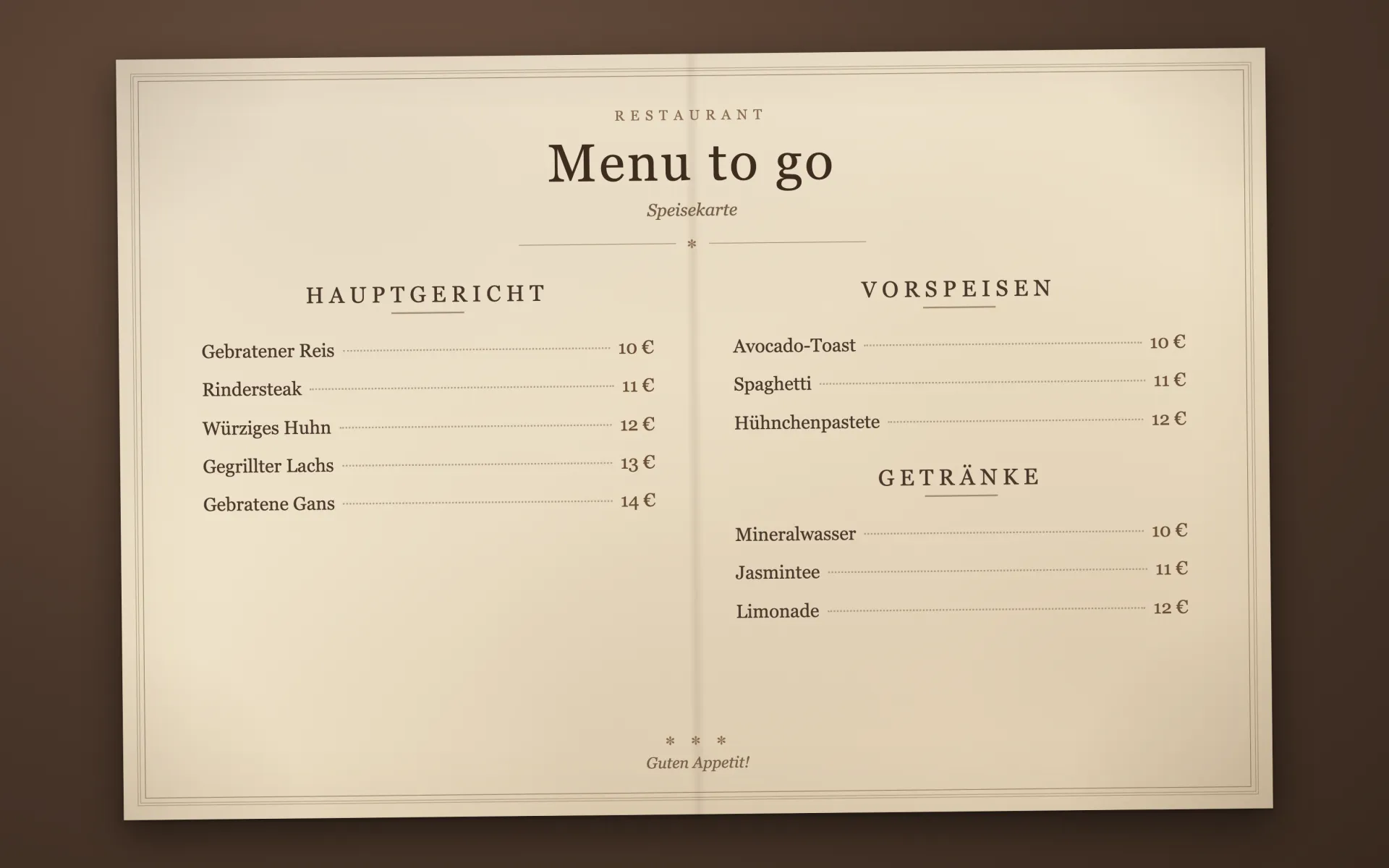
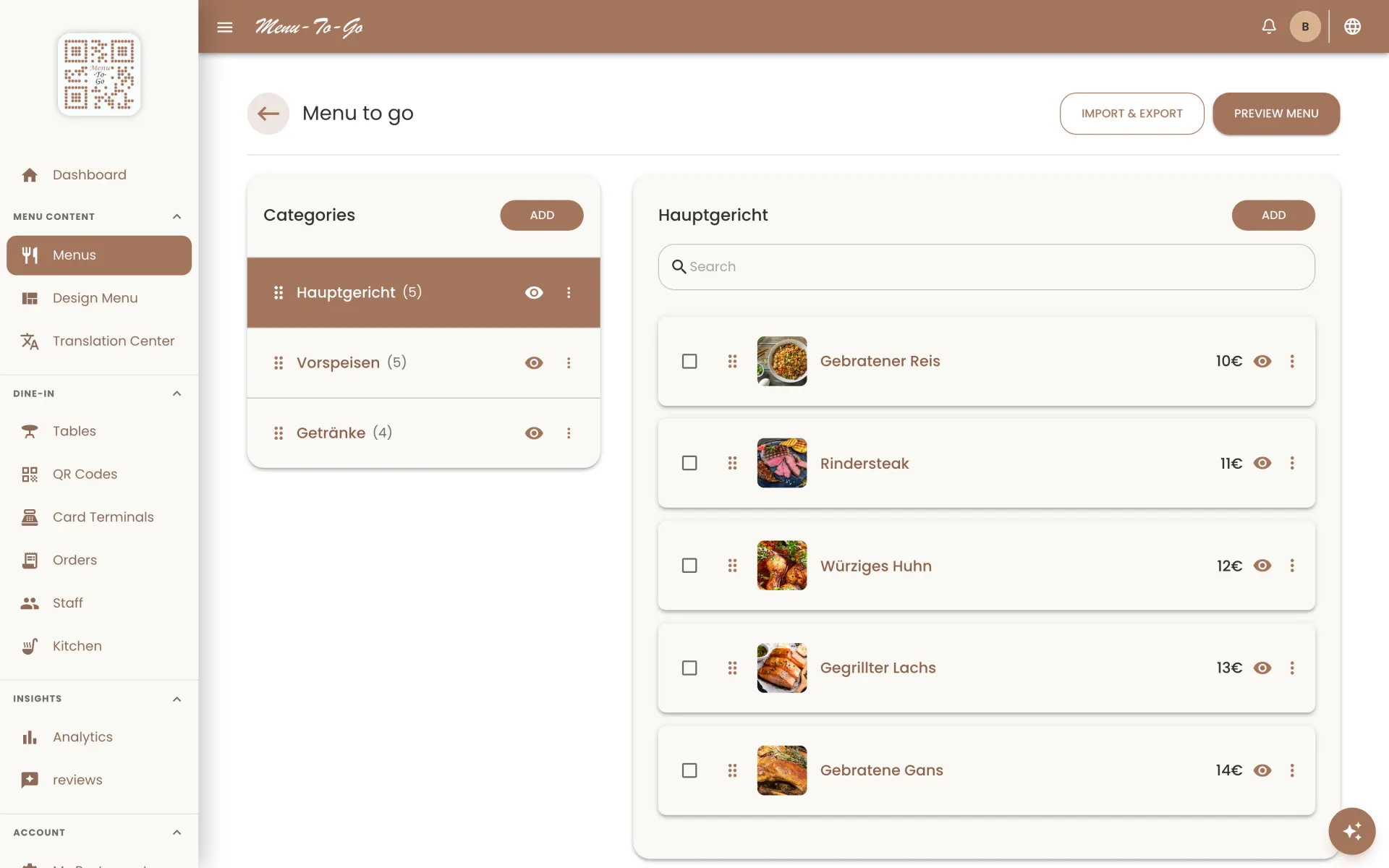
Drag the slider
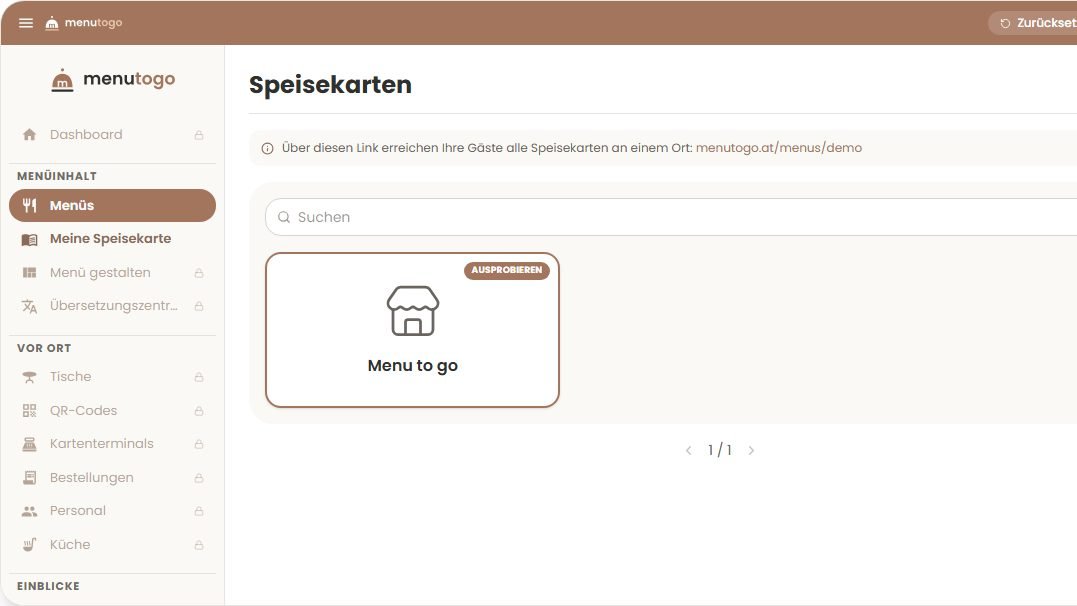
Don't just look at it. Click around.
This is the real MenuToGo dashboard with a sample restaurant. Open it, add a dish, change prices, preview the guest menu. Nothing is saved and a refresh starts you fresh. No sign-up needed.
Menus
Go ahead: click, edit, delete. You can't break anything here. Ready? Create your own menu.
Honestly? We're the new kid.
MenuToGo is built in Austria together with our first restaurants. You talk directly to the people building the product, and feature requests usually go live within days. Trying it costs nothing: there is no credit card required, and your trial simply expires on its own.
Upload your menu and watch it become digital.
Our AI reads your existing menu from a photo or PDF and turns it into a structured digital menu you can edit right away, with no typing or copy-pasting.
- Snap a photo or upload a PDF of your current menu
- AI extracts items, prices, and categories automatically
- Review, adjust, and publish everything in one place

What do your printed menus really cost?
Use your own numbers to see what printed menus cost your restaurant each year – and compare it with MenuToGo.
Example values – enter your own numbers.
Compare with
- Your cost today
- €1,440 / year
- MenuToGo Standard
- €228 / year
You save
€1,212 / year
With yearly billing: €190 / year
How we calculate
- Printing = menus × print cost × reprints × language versions
- MenuToGo = monthly price × 12
And your guests?
Less waiting, no guessing about ingredients, and a menu they actually understand – for a more relaxed visit.
The menu in their language
Guests read the menu in their own language – without having to ask.
Photos of the dishes
They see what they are ordering before they order it.
Allergens at a glance
Listed allergens (A–R) appear right next to each dish.
No app download
Scan the QR code – the menu opens right away in the browser.
Order without waitingfrom Advanced
Guests order straight from the table, and the order goes to the kitchen instantly.
Service at the tap of a buttonfrom Advanced
Call the waiter with one tap – no waving needed.
Go live in three simple steps
It takes about 30 minutes to get from the menu you already have to a QR code on your tables, and you don't need any technical skills.
Import your menu
Take a photo or upload a PDF. The AI builds your digital menu from it, including items, prices, and categories.
Make it yours
Apply your colors, fonts, and logo so your menu looks like your restaurant rather than a generic template.
Print your QR code
Generate your QR code, place it on the tables, and you're live. Guests scan it and browse without installing anything.
Everything You Need to Run Your Restaurant
Powerful features working together to digitize, automate, and grow your restaurant business.
Order-at-Table
Customers scan, browse, and order directly from their phones. It works instantly, with no app download needed.
Learn moreGasthaus Zur Linde
Wiener Schnitzel
€16.90
Pancake soup
€4.90
Boiled beef
€18.50
Kaiserschmarrn
€9.50
A menu that matches your brand
Every style below is a real menu from a MenuToGo restaurant. Tap a style to compare — then build yours with your own colors, fonts, and logo.
Brand colors
Set background, text, and highlight colors so the menu matches your interior and identity.
Fonts
Choose from a curated font library that ranges from classic serif to modern sans.
Layouts & templates
Pick a grid or list view, category shapes, and card styles, or start from a ready-made template.
Logo & branding
Upload your logo and keep your restaurant front and center on every page.
Every guest reads your menu in their language.
Choose from a catalog of 50 languages and publish your menu in up to 9 at once, depending on your plan. Fine-tune every word in the Translation Center. Tourists order with confidence, staff answer fewer questions.


See the Full Platform in Action
Watch how MenuToGo handles everything from digital menus and QR ordering to kitchen displays and customer discovery.
Our customers
What our first customers say
We only publish real quotes from real venues, with their permission.
“MenuToGo has been essential for us. Switching to digital QR codes transformed how our customers order. We run our bakery and restaurant together, and being able to update prices and items instantly saves us thousands. The interface is intuitive and our staff loves it.”
Sarah M.
Owner, Stage Bakery, Cairo
“We needed a digital menu that felt premium but didn't overcomplicate things. MenuToGo delivered. Our customers appreciate the photos, descriptions, and instant ordering. It's made service faster and our team happier.”
Fatima A.
Owner, Regheef Dining, Cairo
Pricing that grows with your restaurant
Choose the perfect plan for your business…
Basic
Perfect for small cafes and food trucks
- Up to 50 products
- Unlimited QR code scans
- Multi-language menu support (up to 3 languages)
- Instant menu updates
- Email support · reply within 24 hours
Free trial that ends automatically
Standard
Enhanced features for growing businesses
- Everything in Basic, plus:
- AI-powered menu import
- Advanced menu customisation (fonts, layouts, logo)
- Multi-language menu support (up to 6 languages)
- AI Food Assistant & Chef's Pick
Free trial that ends automatically
Advanced
Ideal for growing multi-location businesses
- Everything in Standard, plus:
- Order-at-table feature
- Kitchen Display System (KDS) included
- Call-waiter feature
- Multi-language menu support (up to 9 languages)
Free trial that ends automatically
Frequently Asked Questions
Everything you need to know about MenuToGo.
Change prices without reprinting
Photograph your menu, check it, publish it. Guests read it in their own language – with the allergens you list shown right next to each dish.